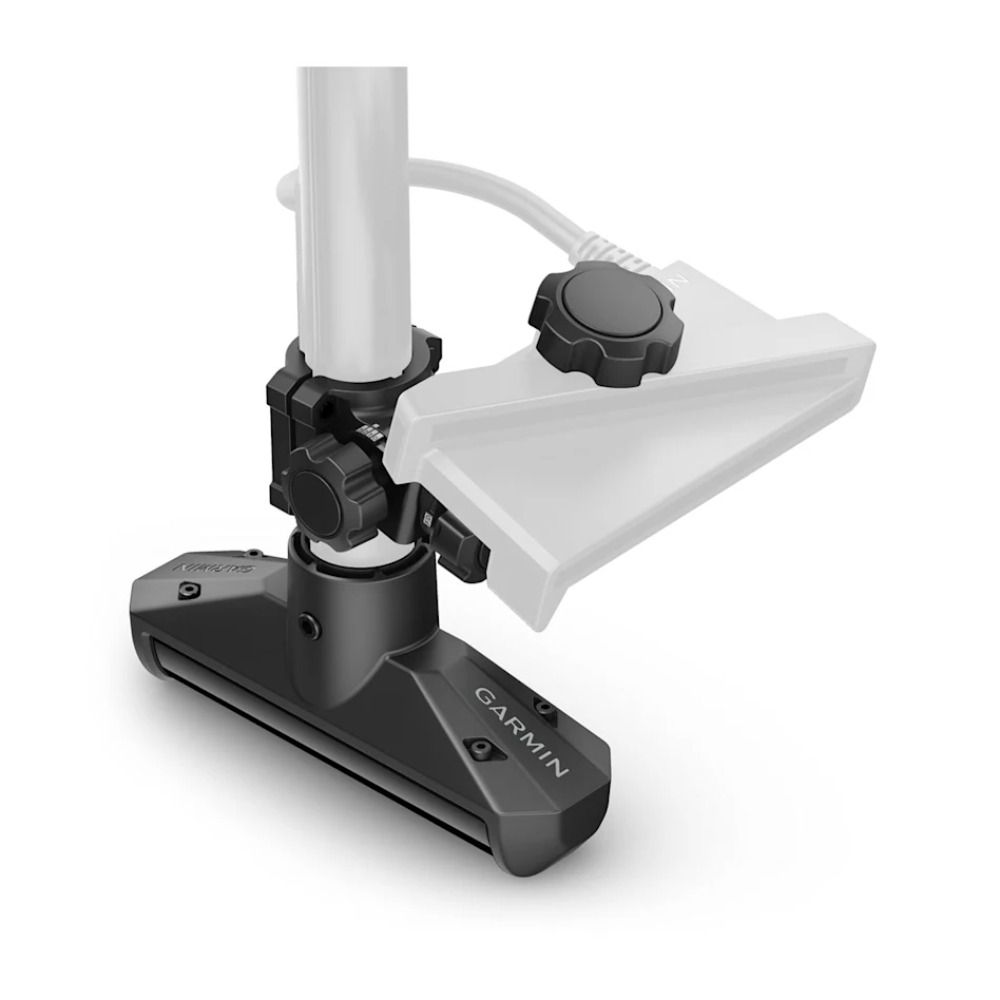
Garmin GT360UHD 360 Degree Ultra HD Sonar Transducer For Spy Pole
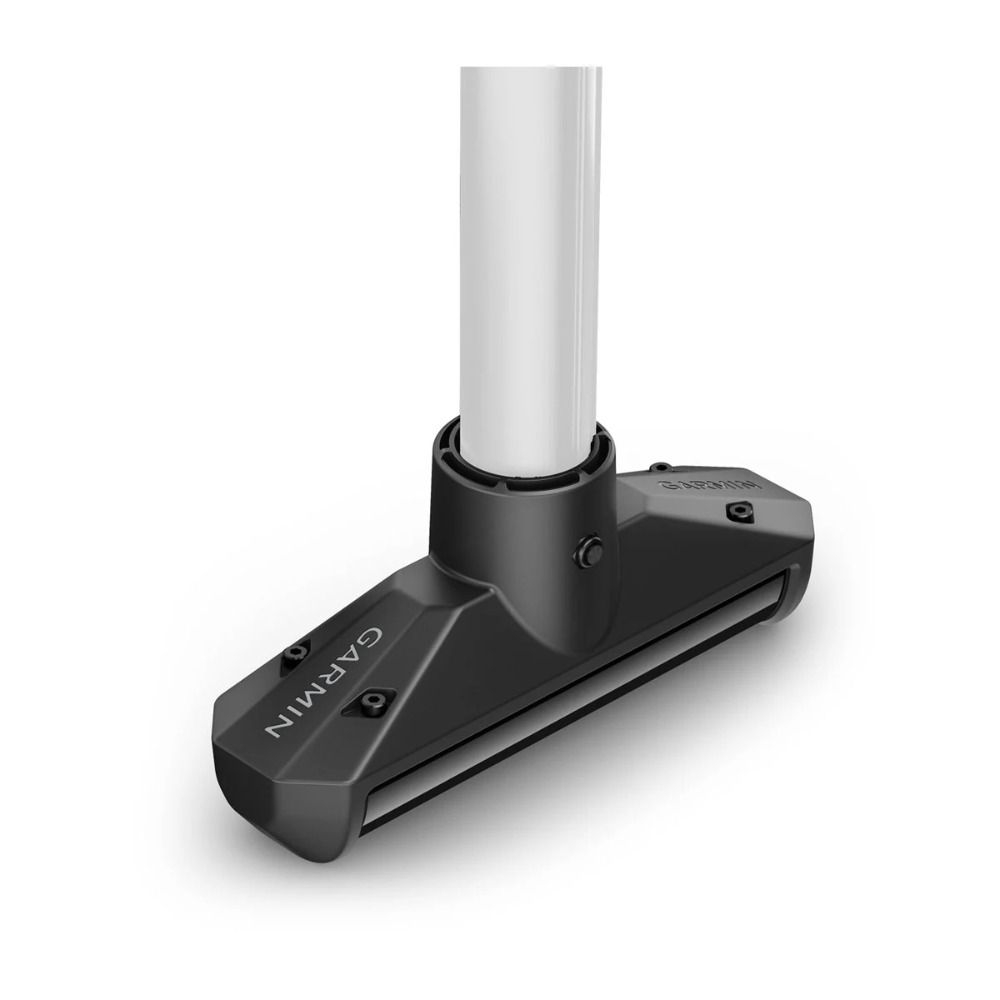
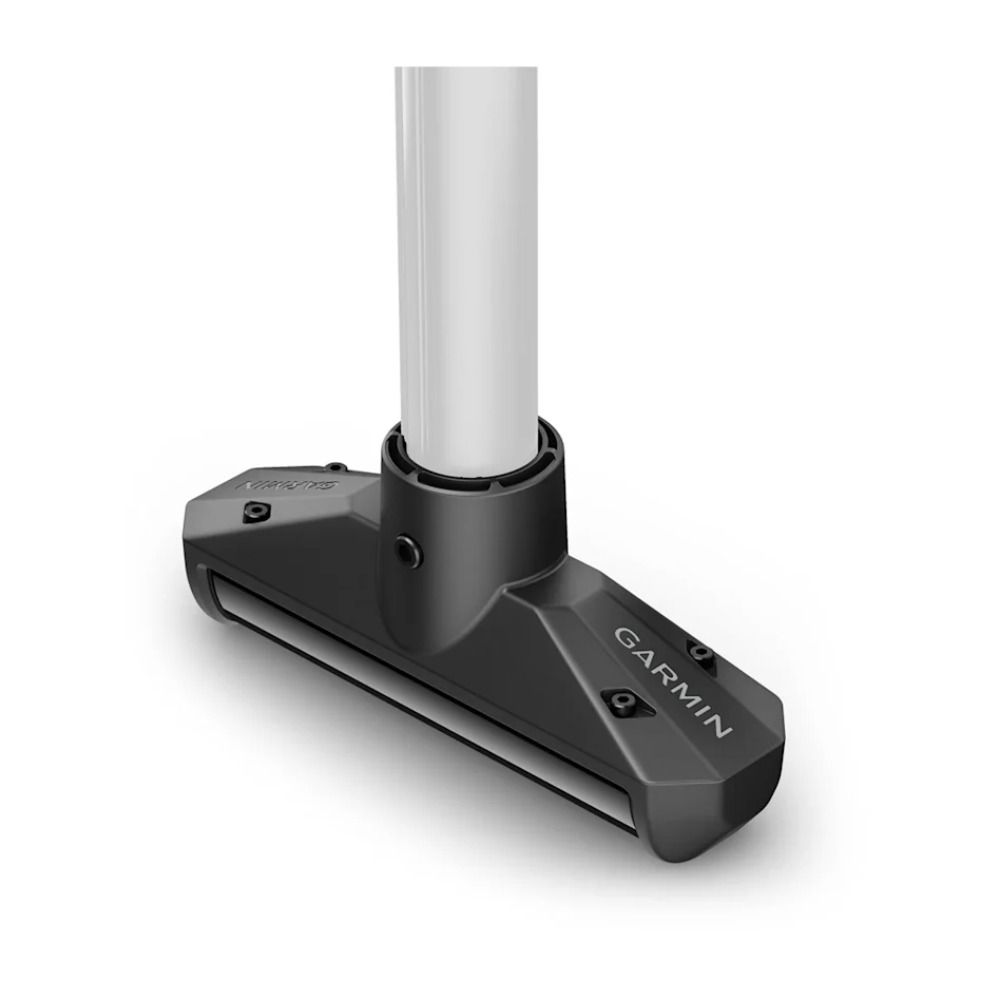
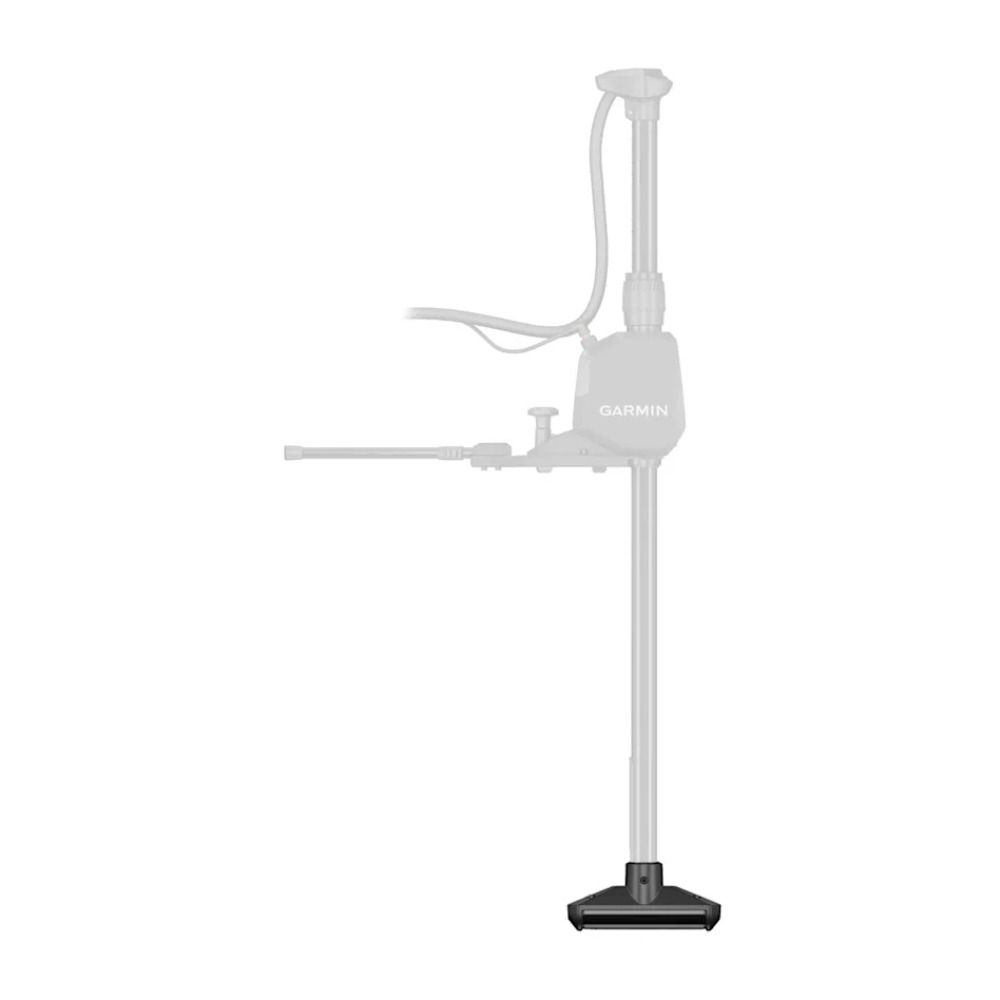
Capture 360-degree imagery of the area around your boat with the GT360UHD transducer when mounted to a Garmin Spy Pole.
- Capture crisp, clear 360-degree imagery
- See a bird's-eye view of what’s beneath the surface
- Pair with your compatible garmin chartplotter
- Get a live window into 3d imagery with livescope sonar
- True motion technology integrates with gps to keep scans true to location
- Select auto, manual or constant scanning modes
Technical Specifications
X| General | |
|---|---|
| Transducer frequency | OneVü/SideVü: 455 kHz, 800 kHz, 1070 kHz |
| Transducer power | 500 W |
| Transducer beamwidth | OneVü/SideVü 0.52 x 52 @ 1000 kHz, 0.64 x 35 @ 800 kHz, 1.1 x 52 @ 455 kHz |
| Transducer maximum depth | OneVü/SideVü: 500 ft range |
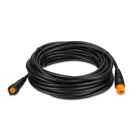
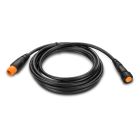
| Transducer cable length | 6.2 m (20.3 ft) |
| Transducer depth/speed/temperature | Depth and temperature |
| Transducer number of pins | 12 |
| OneVü Source | ✓ |
| Dimensions (with mount; LxWxH) | 216 mm (8.5″) x 58 mm (2.3″) x 97 mm (3.8″) |
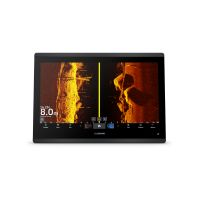
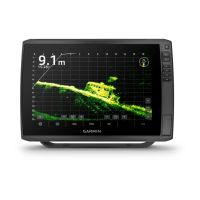
360-Degree OneVu Sonar - Unlock the toughest underwater hiding spots with OneVu sonar, the crisp, clear 360-degree underwater imagery in 2D or 3D views.
Large Coverage Area - Scan and store up to a football-field size of imagery in a single power cycle. True Motion technology keeps your true location as you move within the scanned area.
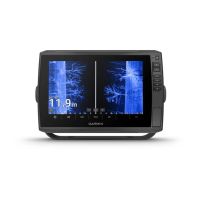
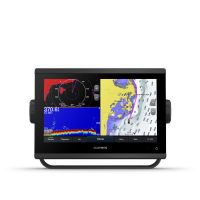
Chartplotter Integration - Optimise your sonar from your compatible Garmin chartplotter with on-screen controls that let you change scanning modes, adjust sonar frequencies and select vivid colour palettes.
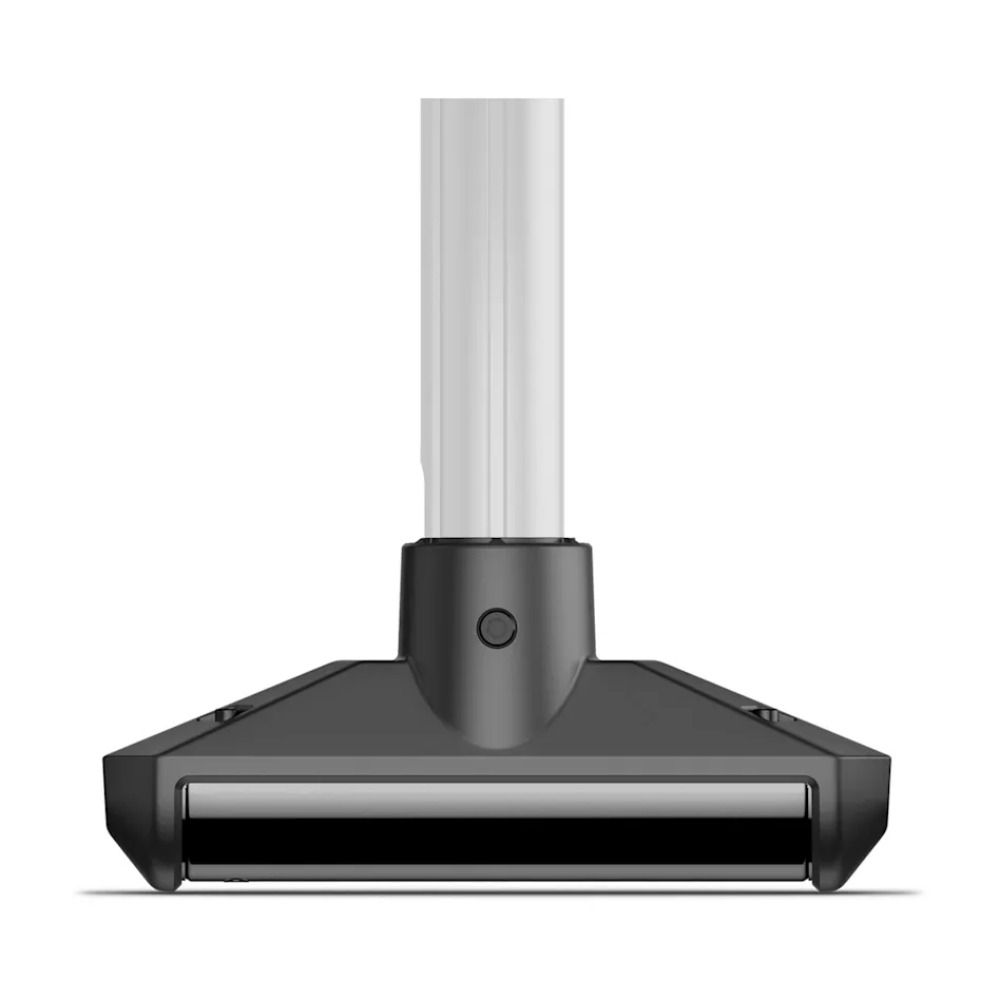
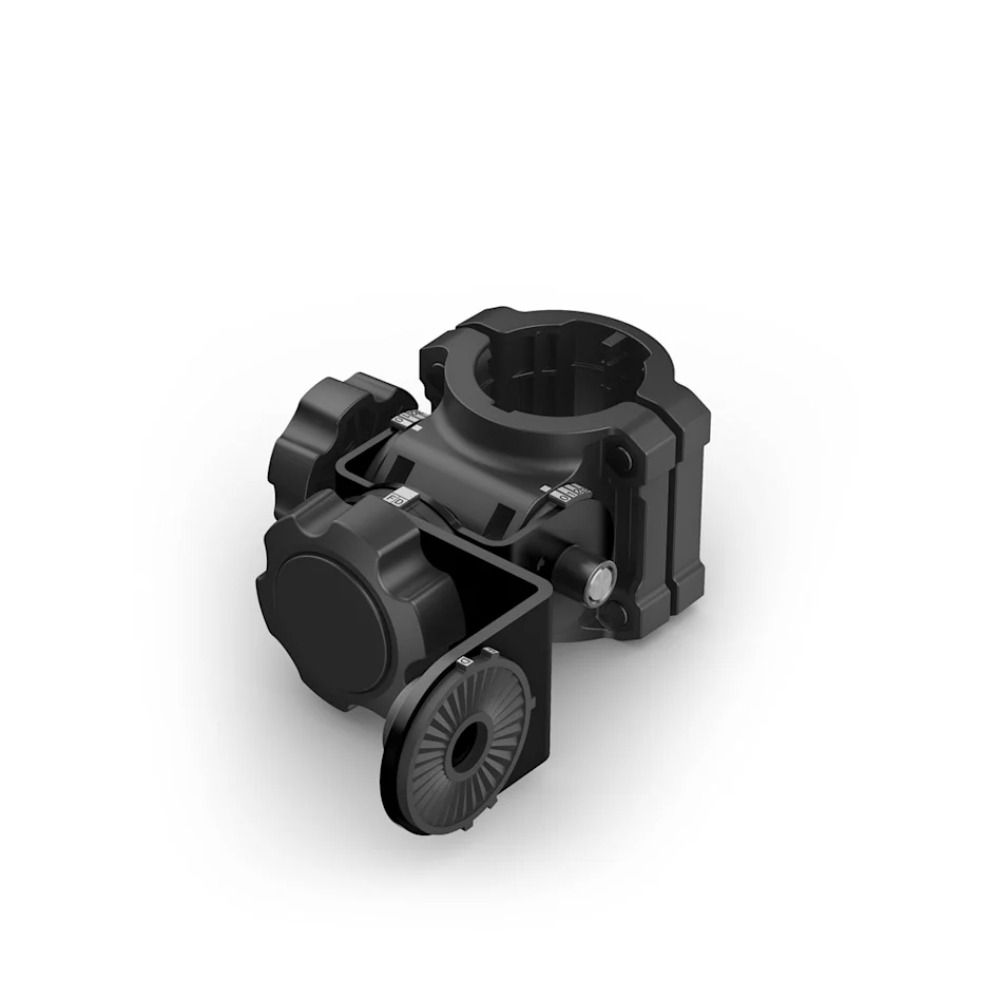
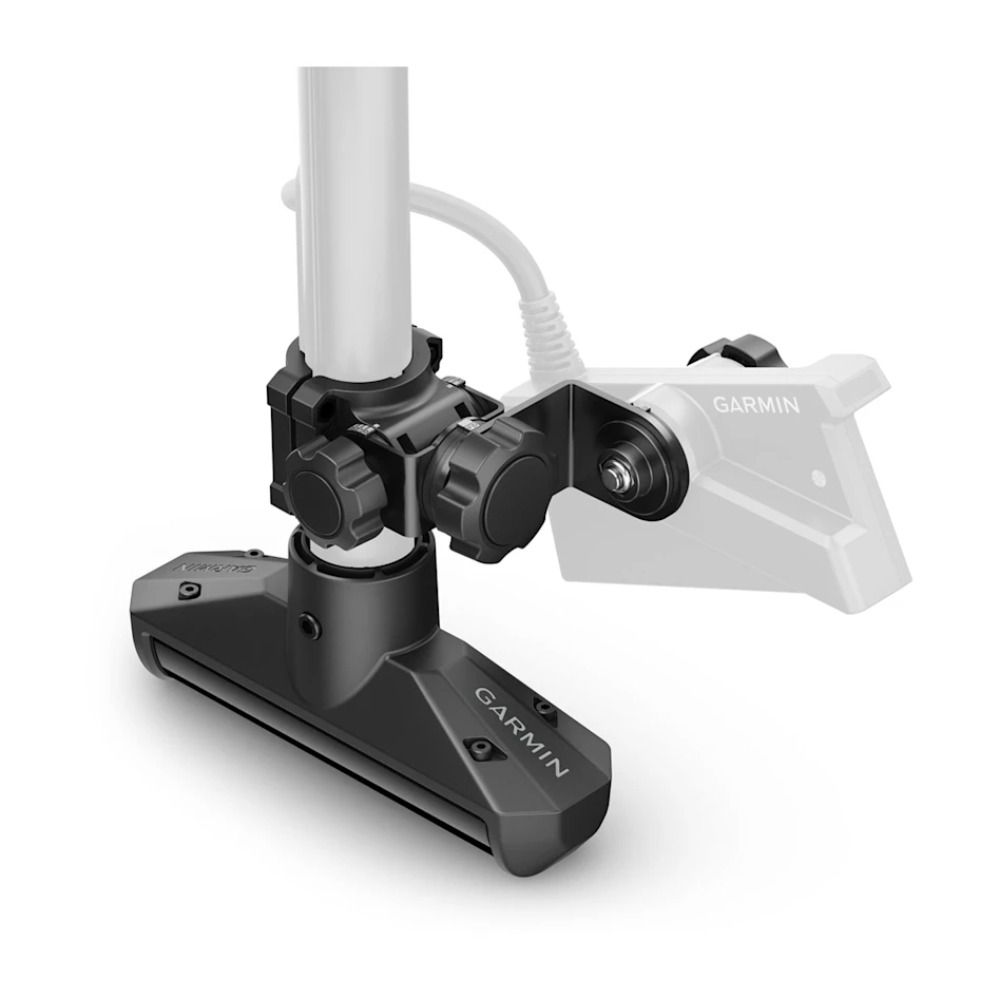
Simple Installation - Easily mount your GT360UHD transducer onto your Spy Pole and run your cables through the shaft.
Enhanced Onevu Experience - Layer LiveScope live sonar over the OneVü sonar imagery to see an all-new 3D view — and a beam overlay to see where LiveScope is pointed in 2D mode.
Multiple Scanning Modes - Use your compatible Garmin chartplotter to select the scanning mode that best fits your style of fishing. Choose between auto, manual or constant scan.
Select Your Scanning Mode
Auto Scan - Automatically trigger a new scan when your boat travels to a new area.
Manual Scan - Capture data only from the areas you want by manually initiating your scan.
Constant Scan - Continually scan your boat’s surroundings for consistent data updates as you move.